
Payments and payouts
Taxi Payment and Driver Payout Software for Operators
Take customer fares through your own Stripe account and keep invoices, refunds and driver payout records connected to the operator workflow.
BookTaxiService supports customer payment processing and operator accounting workflows. Driver payouts are recorded in the platform; the bank transfer happens outside it.
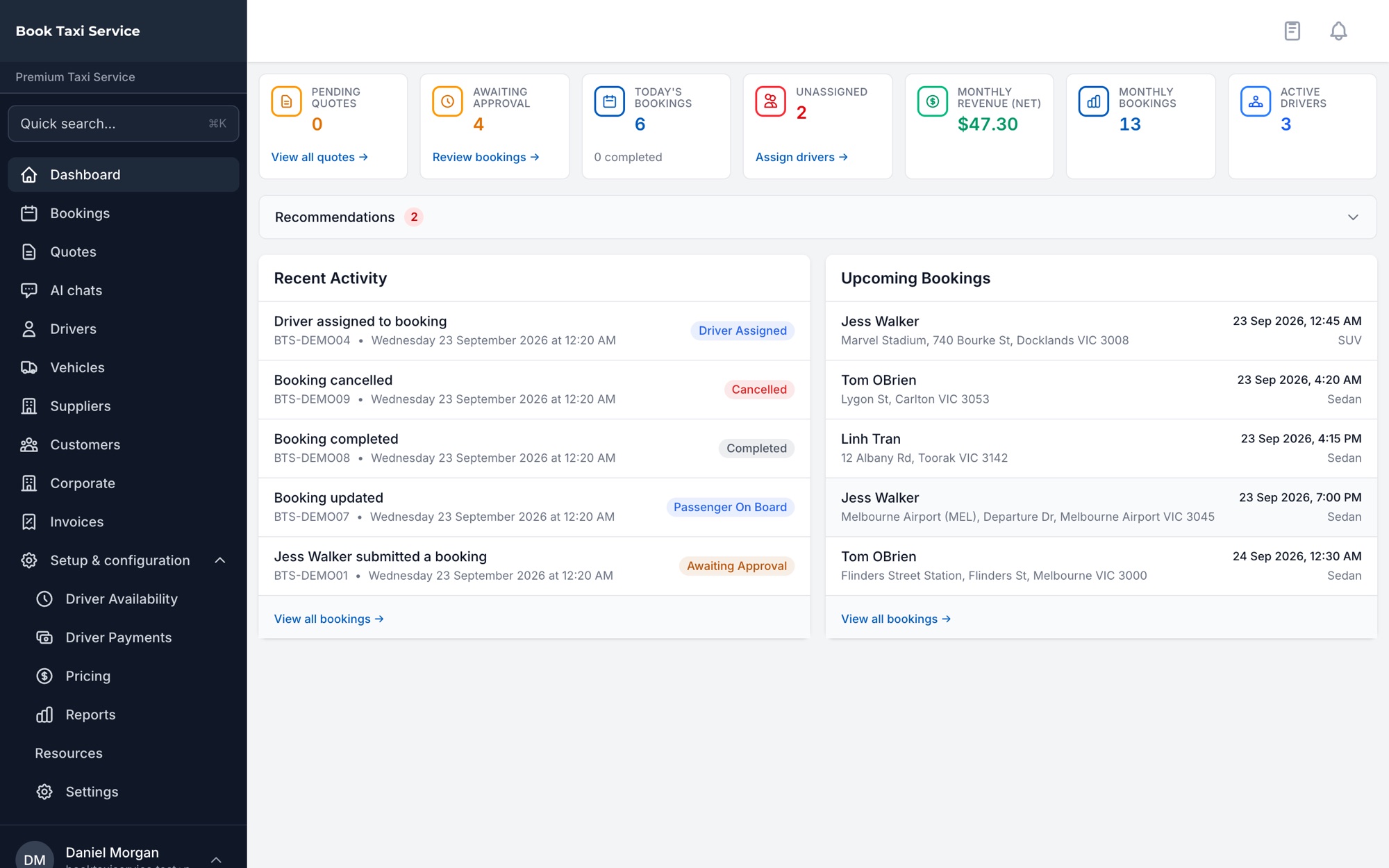
Payment capabilities
Manage Customer Payments and Payment Records
-
Operator Stripe payments
Take supported customer fares using your own Stripe credentials.
-
Payment capture policies
Immediate capture is the default, with authorisation and later capture available under configured payment policies.
-
Invoices
Create and manage customer invoices from the operator application.
-
Refunds
Issue full or partial booking refunds from the payment workflow.
-
Driver payout records
Process driver payout records and, where your plan includes it, export Australian ABA files. Processing marks payments paid without transferring money through a provider.
Customer payments
Connect Payment to the Booking Workflow
Customers can pay during supported online booking and quote-acceptance paths when the payment method is enabled.
Fares are processed through the operator’s own Stripe account. Immediate capture is the default; configured policies can support authorisation and later capture.
Payment status is tracked separately from trip status. Configured policies can trigger capture on confirmation, completion or before pickup; a completed trip alone does not prove successful collection.
The full walkthrough is in taxi card payments into your own Stripe account.
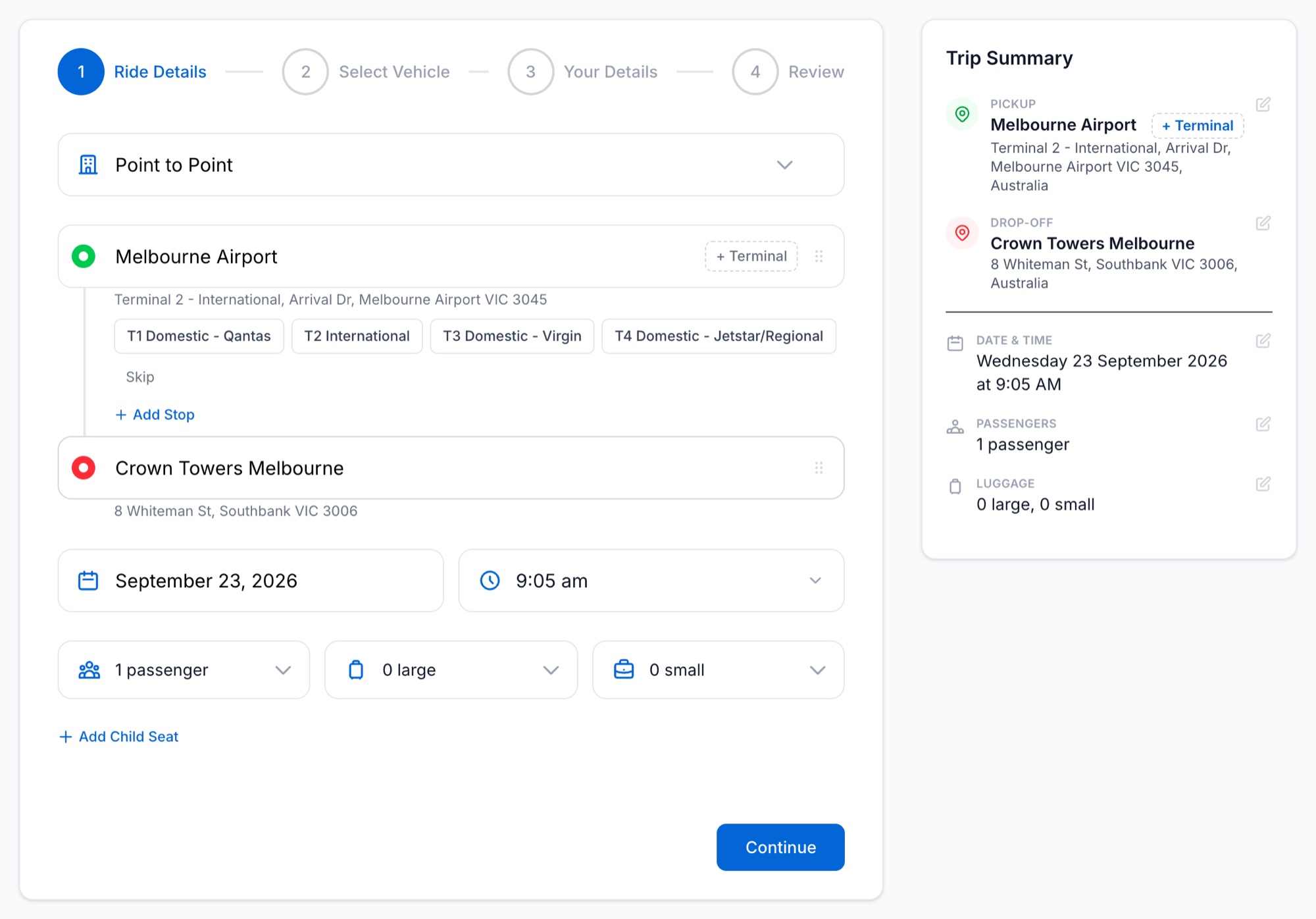
Driver payout records
Record Driver Payouts Without Pretending the Bank Transfer Is Automated
-
Calculate and manage
Use the driver payment functionality to support operator accounting for driver payouts.
-
Process the payout record
Payout processing records the relevant payments as paid inside BookTaxiService.
-
Export where included
Australian ABA export is available where your plan includes automated payout exports.
-
Transfer outside the platform
Payout processing does not itself transfer money to the driver’s bank account through a payment provider.
Operational benefits
Keep Payment Administration Attached to the Work
-
Operator-controlled payment account
Customer fares use your Stripe credentials, keeping the payment relationship with the operator account.
-
Booking-level refunds
Full and partial refund functionality gives the office a defined way to handle booking payment adjustments.
-
Invoice management
Create customer invoices in the same operator environment used to manage bookings.
-
Honest payout accounting
Record driver payout processing without confusing an accounting action with an automated bank transfer.
Related capabilities
Connect Payments to Booking and Driver Operations
Deployment
Running in Production With an Australian Taxi Operator
BookTaxiService runs the live booking, dispatch and payment workflow for Premium Taxi Service, an Australian taxi operator, through its own branded booking page. One operator, running for real.
Payments FAQ
Payment and Driver Payout Questions
Does BookTaxiService use Stripe Connect for operator fares?
No. Operator fare checkout uses the operator’s own Stripe credentials.
When is a customer payment captured?
Immediate capture is the default. Authorisation and later capture are available under configured payment policies.
Can operators refund a booking?
Yes. Full and partial booking refunds are supported.
Does BookTaxiService automatically transfer money to drivers?
No. Driver payout processing records payments as paid but does not transfer money through a payment provider. Australian ABA export is available where your plan includes it.
Can BookTaxiService create invoices?
Yes. Customer invoice creation and management are supported, with separate corporate invoicing capabilities for business accounts.
See How BookTaxiService Handles Payments and Payout Records
Walk through customer payments, invoices, refunds and driver payout records in the operator platform.
Or create an account on booktaxiservice.au. Australia and New Zealand.